
Download FoxPDF PDF Editor – PDF editor, document conversion, file conversion, Word to PDF, Rtf to PDF, TXT to PDF, PDF creator, document management, PDF tool, document utility, PDF converter, document editor, PDF tool, PDF utility, document tool
Overview
FoxPDF PDF Editor is a mobile application designed to streamline document creation and file conversion within a single, accessible interface. It enables users to convert various file formats—including Word, RTF, and TXT—into PDFs without relying on external tools, making it a practical solution for individuals and professionals who manage documents regularly. The app serves as a dedicated utility for those seeking a straightforward way to generate and manage PDFs directly from their smartphones or tablets. Its primary function is to simplify the process of transforming text-based documents into universally compatible PDFs, ensuring consistency across devices and platforms.
The target audience includes students, remote workers, freelancers, and office professionals who frequently handle documents and need a reliable tool for quick conversions. The app’s focus on usability and compatibility with common file types positions it as a valuable addition to the productivity ecosystem on mobile devices. Although the developer, FoxPDF, did not provide additional background details, the app’s long-standing presence since its release in 2013 suggests a level of stability and user trust. Real-world use cases include preparing reports, submitting assignments, or sharing official documents in a standardized format. By reducing the dependency on desktop software, FoxPDF PDF Editor supports a mobile-first workflow for document management.
Key Features & Functionality
- Direct PDF Conversion: Users can create new documents or open existing files in supported formats and save them directly as PDFs. This eliminates the need for third-party applications or complex workflows, enhancing efficiency for daily tasks.
- Multi-Format Support: The app supports a range of file types, including .doc, .rtf, .txt, .css, .html, and .xml. This broad compatibility allows users to work with diverse document sources and convert them into a uniform PDF format.
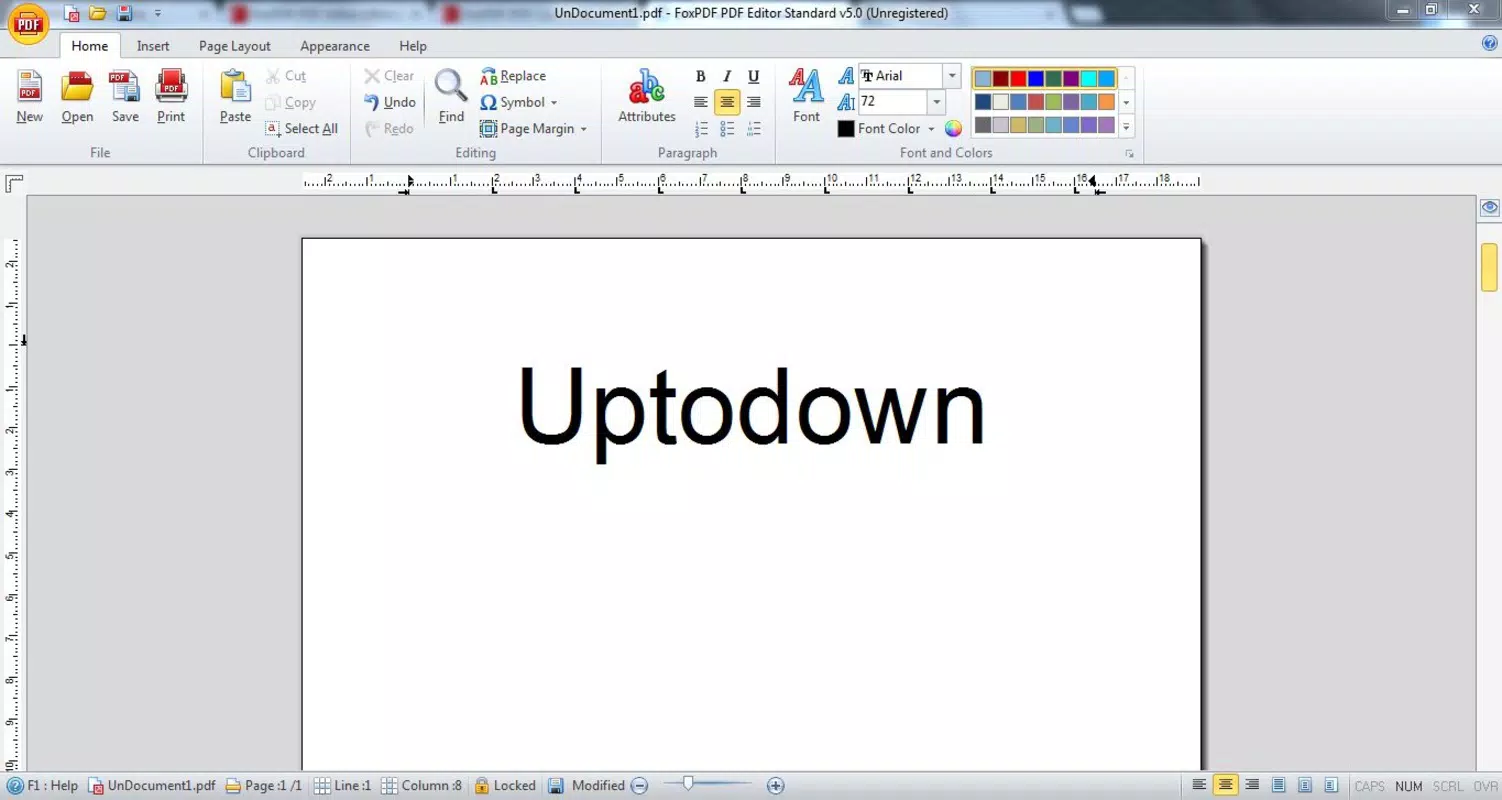
- User-Friendly Interface: Designed with simplicity in mind, the interface offers intuitive navigation and clear options for file selection, editing, and export. Even users with minimal technical experience can perform conversions without confusion.
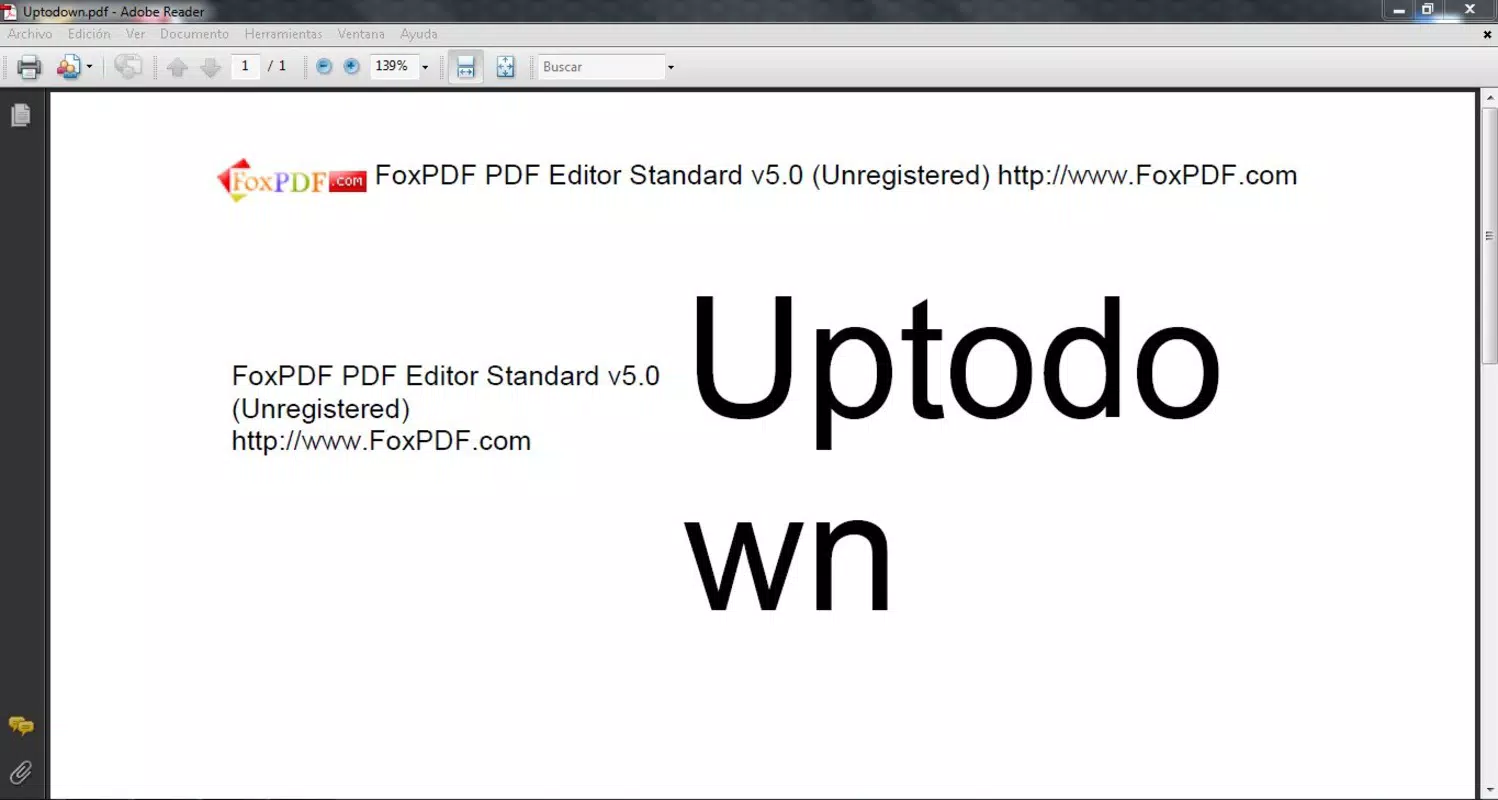
- Free Trial with Watermark: The trial version includes a visible watermark on exported PDFs. This feature allows users to test the app’s capabilities before deciding on a purchase, though it limits the use of final outputs for professional or public sharing.
For example, a student could draft a research paper in a .txt file, open it in the app, and convert it to a clean PDF for submission. Similarly, a freelancer might convert a client’s .rtf proposal into a PDF to ensure formatting remains intact. These real-world scenarios highlight the app’s practicality in everyday document workflows.
Interface, UX & Performance
The user interface of FoxPDF PDF Editor is designed with clarity and accessibility in mind. The layout emphasizes essential functions—file selection, conversion, and export—through a clean, minimal design that avoids visual clutter. Navigation is straightforward, with menu items logically grouped and accessible via a simple tap. The visual style remains consistent across screens, contributing to a cohesive user experience.
While the developer did not list formal performance metrics, the app’s lightweight nature—only 15.4 MB in size—suggests efficient resource usage. It is likely optimized for smooth operation on a range of Android devices, including mid-tier and older models. Responsiveness appears to be adequate for basic tasks such as opening files, applying edits, and exporting PDFs. Stability is implied by the app’s long availability, though no official data on crashes or freezes was provided. Users can expect consistent behavior during standard use, though performance may vary slightly depending on device hardware and file complexity.
Platform Compatibility & Technical Requirements
FoxPDF PDF Editor is available exclusively on the Android platform. The current version is 1.0.0, with a file size of 15.4 MB. The developer did not specify minimum OS requirements, nor did they list compatibility details for specific Android versions or device categories.
This lack of detail means users should exercise caution when installing on older or less common devices. The app’s lightweight footprint suggests it may function on a wide range of Android devices, but official compatibility information was not disclosed. Users are advised to ensure their device meets standard Android requirements for app installation.
The app is currently offered as a free download, with no in-app purchases or subscription models mentioned.
Pros and Cons
Pros
- Simple, intuitive interface suitable for beginners and experienced users alike.
- Supports multiple file formats for conversion into PDF.
- Eliminates the need for external tools to create PDFs.
- Free to download and use, offering a trial version for evaluation.
- Lightweight size (15.4 MB) ensures minimal storage impact.
Cons
- Free version includes a watermark on exported PDFs, limiting professional use.
- Specific OS requirements were not listed, potentially affecting compatibility.
- No information on cloud integration or file syncing capabilities.
- Limited to Android; no iOS or other platform availability was confirmed.
- Developer did not provide details on update frequency or future development plans.
FAQ
Is FoxPDF PDF Editor safe to download and install?
The app is available through official Android channels and does not require root access. As with any third-party application, users should ensure they download from trusted sources to maintain device security.
Can I convert Word documents to PDF using this app?
Yes, FoxPDF PDF Editor supports direct conversion of Word files (.doc, .docx) into PDF format without external tools.
Does the app support file editing before conversion?
The app allows basic document creation and viewing. While specific editing features were not detailed, users can likely make minor changes before exporting to PDF.
Is there a paid version to remove the watermark?
Although not explicitly stated, the presence of a watermark in the free version suggests a full version exists for purchase, which likely removes this restriction.
Can I use FoxPDF PDF Editor on iOS devices?
The developer did not confirm iOS availability. The app is currently listed as Android-only, and no official release for iOS has been announced.
Final Thoughts
FoxPDF PDF Editor offers a no-frills, efficient solution for mobile users who need to convert documents into PDFs quickly and reliably. Its support for multiple file types, user-friendly design, and lightweight footprint make it a solid choice for students, professionals, and casual users alike. While the free version’s watermark may hinder its use in formal or public contexts, it serves well as a trial tool. The absence of detailed technical specifications or platform requirements is a minor drawback, but the app’s simplicity and functionality remain its strongest assets. For anyone seeking a straightforward PDF creator on Android, FoxPDF PDF Editor delivers tangible value without complexity.
Download FoxPDF PDF Editor now


